This is the first post in the Agent Skill Handbook series.
What is a Skill?
Many developers ask: what exactly is an Agent Skill? I’d argue it’s one of the simplest things you’ll ever learn in your programming career.
How Skills Came to Be
Think about onboarding a new colleague. No matter how talented they are, they still need to read the team’s how-to docs before they can start contributing. It turns out working with LLMs follows the same pattern. Ask an LLM to do something cold, and it’ll likely produce something technically impressive but completely off from what you wanted.
Then people discovered that if you front-load the prompt with step-by-step instructions, the LLM does much better. So everyone started feeding LLMs how-to manuals.
But context is limited, and stuffing a full manual into every prompt gets expensive fast. That’s when people realized: we don’t actually memorize how-to content ourselves either. We just remember that a certain doc exists, and look it up when we need it. We could do the same for LLMs — give them just the descriptions up front, and let them pull the full content on demand.
That led to a minimal structure with two core fields: name and description, plus the body. Only the name and description are loaded initially; the LLM decides whether it needs to read the rest.
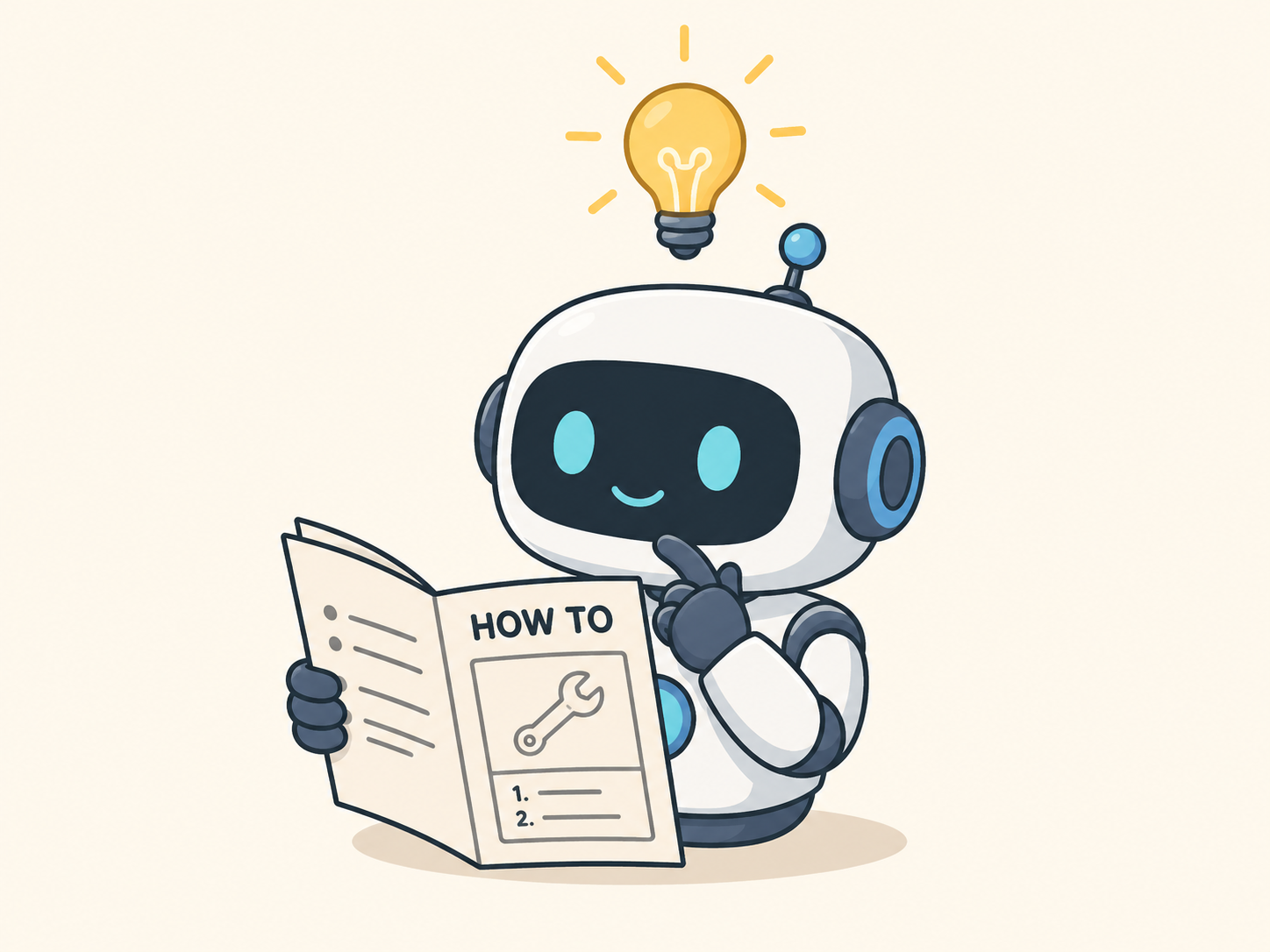
That’s a skill. The name doesn’t really matter — it could be called howto, guide, or manual — but “skill” is short, memorable, and self-explanatory, so it stuck. In some parallel universe it’s probably called a “guide.”
Who Invented Skills?
The SKILL.md format was first popularized by Anthropic, but the idea of “teaching an AI a skill” doesn’t belong to any single company. OpenAI, OpenClaw, and Hermes Agent all have their own implementations. The concept is the same; the details differ.
How to Write a Skill
The Universal Skill Structure
Across platforms, the common ground is: a skill is a folder.
my-skill/
  SKILL.md        # Required: metadata + instructions
  scripts/        # Optional: executable scripts
  references/     # Optional: docs, specs, references
scripts and references are optional — just common best practices. The only required file is SKILL.md, and its structure is simple.
A minimal SKILL.md only needs name and description in the frontmatter. The body can be short, but should clearly describe what the agent should do when triggered.
---
name: skill-name
description: What this skill does, when it should be triggered, when it shouldn't, etc.
---
When a skill has complex logic that needs to run reliably, add a scripts folder. When it references a lot of documentation that might overflow the context, move the bulk of it into references.
Write Your First Skill
Let’s build one. I promise this is the shortest tutorial you’ll ever read. This skill replies with three “World"s when you say “Hello” three times. Create a SKILL.md and write:
---
name: hello-world
description: When the user says "Hello" three times (e.g. "Hello Hello Hello"), reply with "World" three times: "World World World".
---

# Hello World

When the user's message contains exactly three instances of "Hello", reply with only:

World World World

Nothing else. Just those three words.
Then install it in your AI agent. How? Just ask your agent — it’ll tell you.
Give it a try.
Skill Specifications
Anti-Misfire Mechanisms
Whether a skill gets triggered is ultimately up to the LLM, which creates a real problem: skills get misfired, or fail to fire when you want them to. Each platform has its own mitigations.
Disable automatic triggering while allowing manual invocation:
- Claude / OpenClaw:
disable-model-invocation: true - Codex:
allow_implicit_invocation: falseinagents/openai.yaml
- Claude / OpenClaw:
Disable a skill entirely:
- Codex:
[[skills.config]] enabled = false - OpenClaw:
skills.entries.<skillKey>.enabled = false
- Codex:
Skills are powerful because they’re flexible — and frustrating for the same reason. Sometimes they trigger when you don’t want them to; sometimes they don’t trigger when you do. I’ll cover patterns for dealing with this in later posts.
Types of Skills
As skill usage has grown, some useful distinctions have emerged.
Skills vs. Commands
In Claude’s desktop app, you can trigger a skill by typing / followed by the skill name. In OpenClaw, you opt a skill into slash-command behavior with user-invocable: true. Think of command as a trigger method, not a separate category. When designing a skill, ask yourself: does this need to be invoked precisely (use a command), or can the LLM infer the right moment (let it decide)?
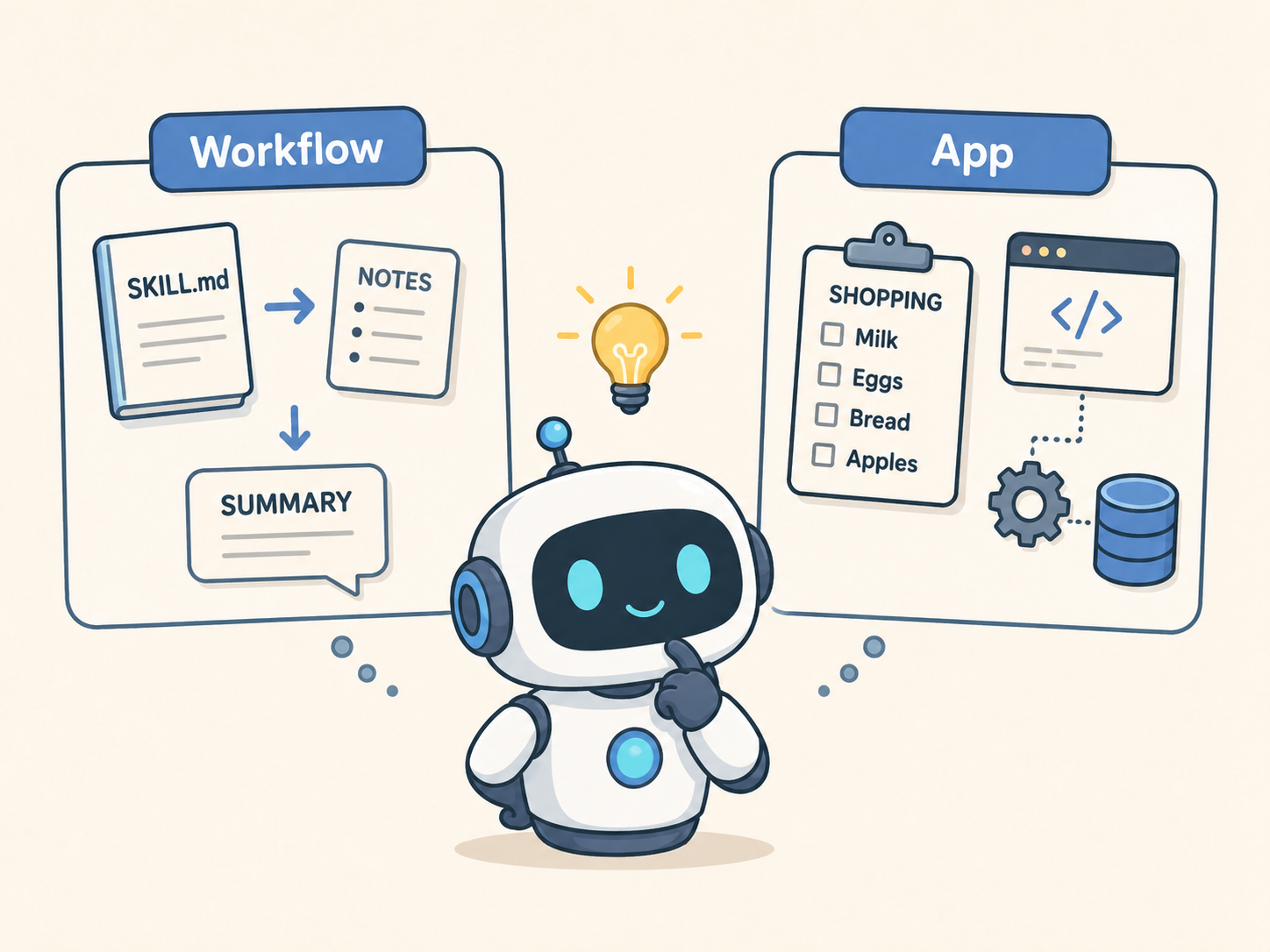
Workflow-style vs. App-style
- Workflow-style: defines a process. A
SKILL.mdalone is enough. If the flow is complex, move the detailed steps intoreferences. - App-style: needs deterministic logic or external tools. Introduce
scriptsonly when necessary — more scripts isn’t better.